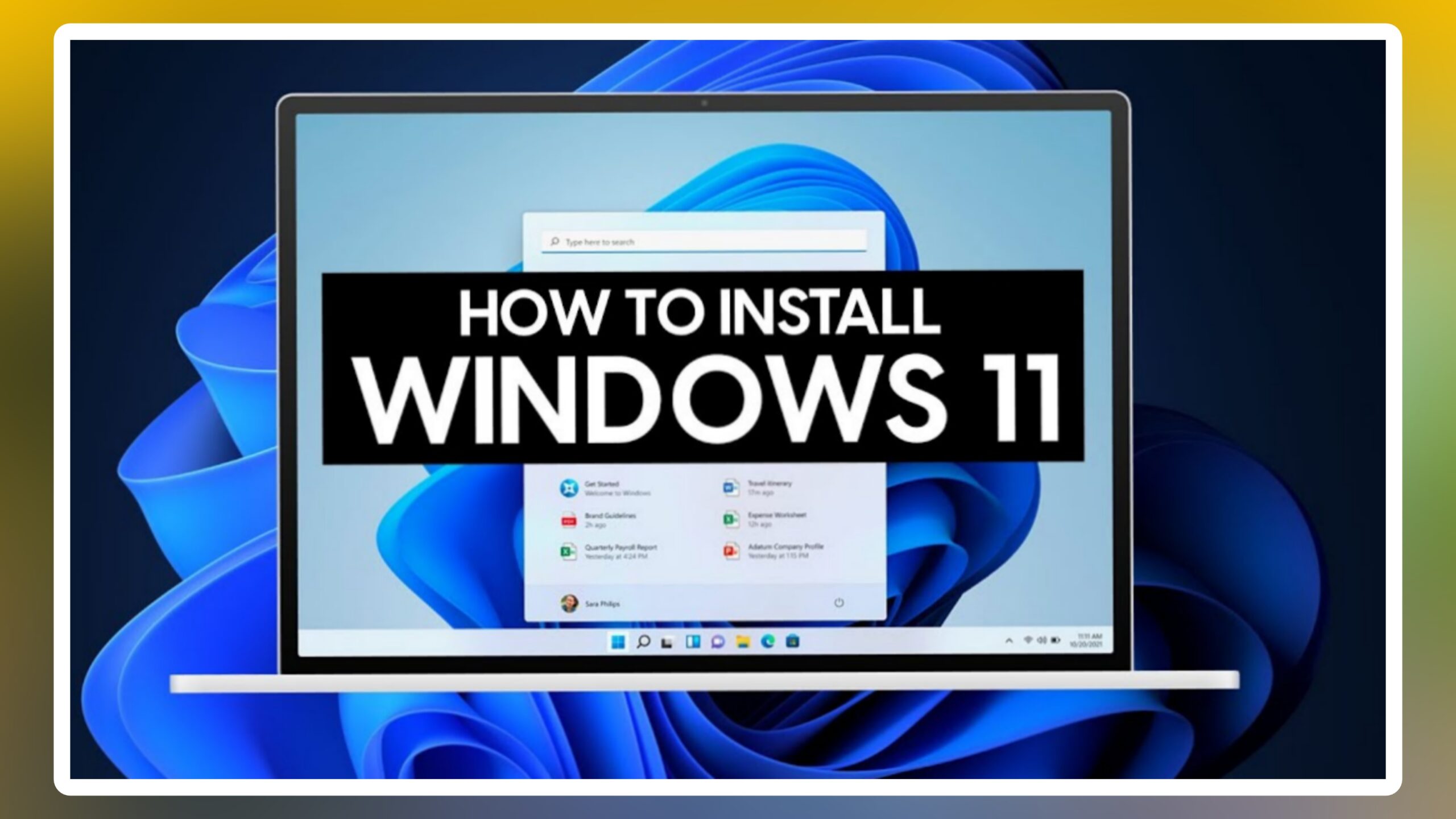
How to install Window 11
- To install Windows 11 on Windows 10 using an ISO file, follow these steps:
- 1. Download the Windows 11 ISO file. – You can do this from the Microsoft website.
- 2. Mount the ISO file – To do this, right-click the ISO file and select Mount This will create a virtual drive on your computer.
- 3. Run the Windows 11 setup – Double-click on the **setup.exe** file in the virtual drive to start the Windows 11 setup process.
- 4. Follow the on-screen instructions – You will be prompted to accept the license terms and select the type of installation you want to perform.
- 5. Choose the installation type – If you want to keep your personal files and settings, select the Upgrade option. If you want to perform a clean install, select the Custom option.
- 6. Select the drive where you want to install Windows 11.
- 7. Click Next to start the installation process.
- 8. Once the installation is complete, your computer will restart automatically.
Note: – If your computer does not meet the minimum system requirements for Windows 11, you may need to disable Secure Boot and TPM 2.0 in your BIOS or UEFI settings. You can find instructions on how to do this on your computer manufacturer’s website.
Here are some additional tips for installing Windows 11 from an ISO file:
Make sure that you have a backup of your important files before you start the installation process.
If you are performing a clean install, you will need to reinstall all of your applications and programs after the installation is complete.
If you are experiencing any problems with the installation process, you can try searching for help online or contacting Microsoft support.